Match your screen
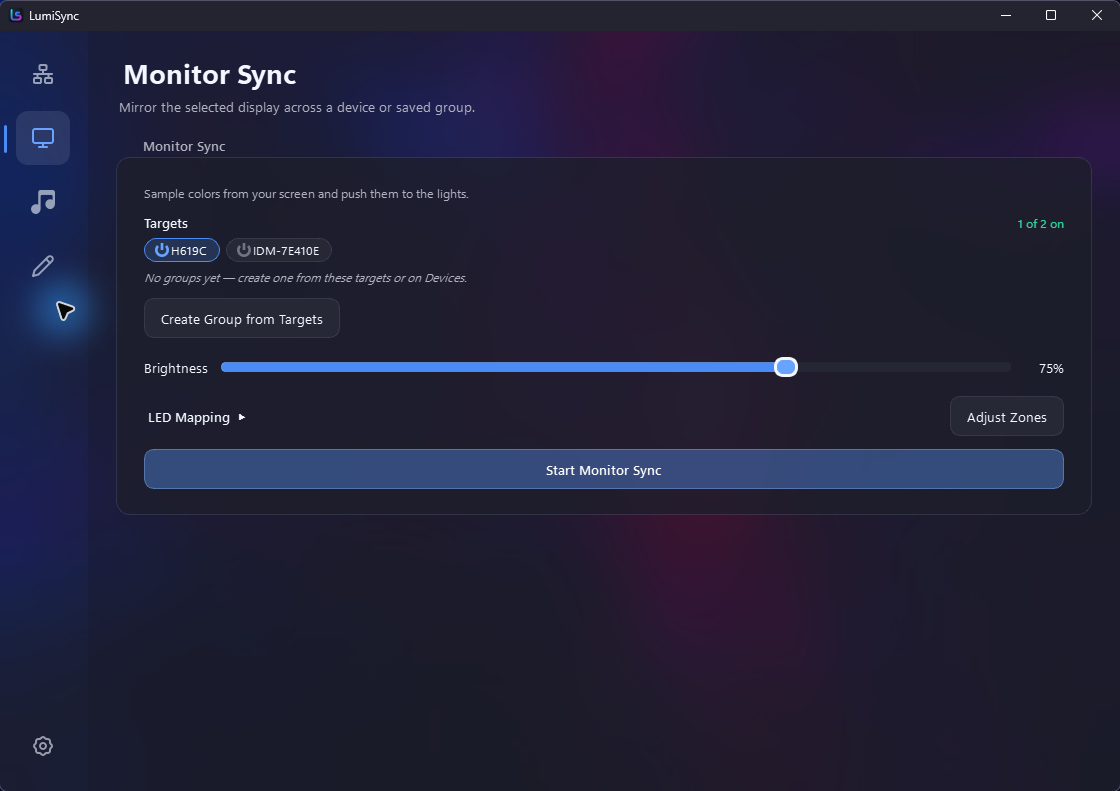
Mirror the colours at the edge of your display across a single light or an entire room.
Free & open source · Windows & Linux
LumiSync makes your Govee, iDotMatrix, and Tuya lights react to your screen and music. It runs locally, stays private, and keeps setup simple.
No account · No cloud required · Just your lights.
Made for the room you are in
Mirror the colours at the edge of your display across a single light or an entire room.
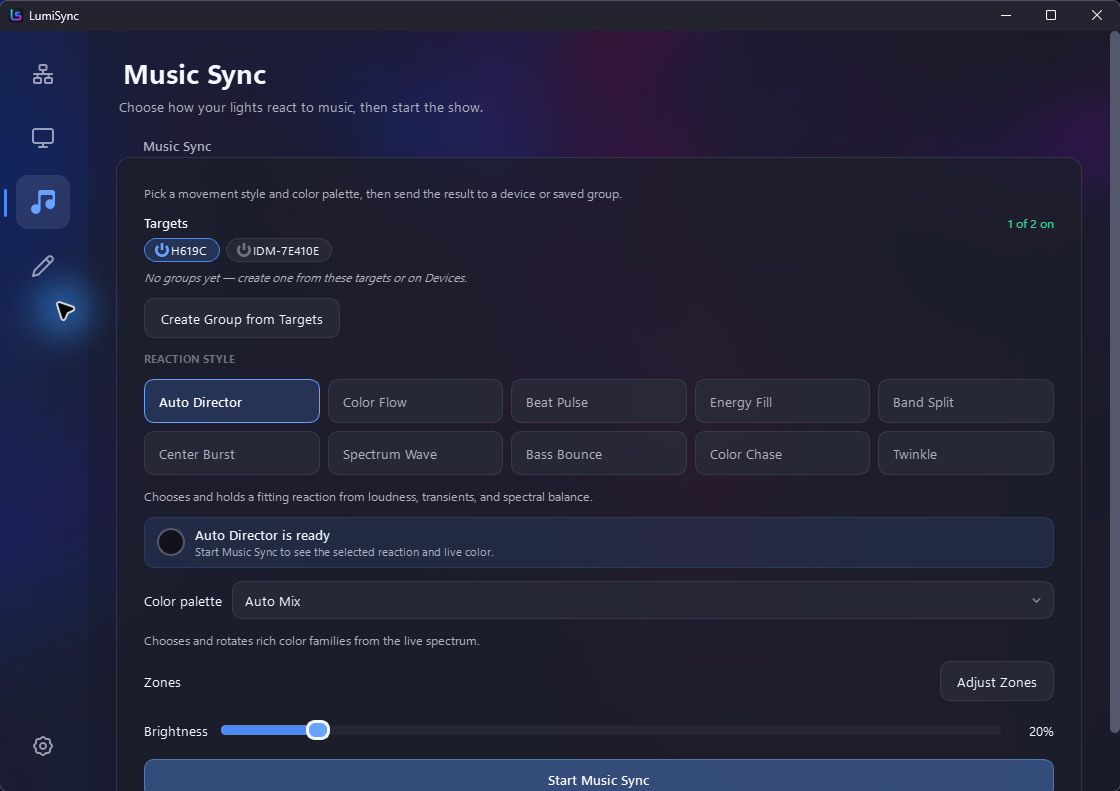
Turn audio into responsive colour and motion, with Auto Director when you want it hands-free.
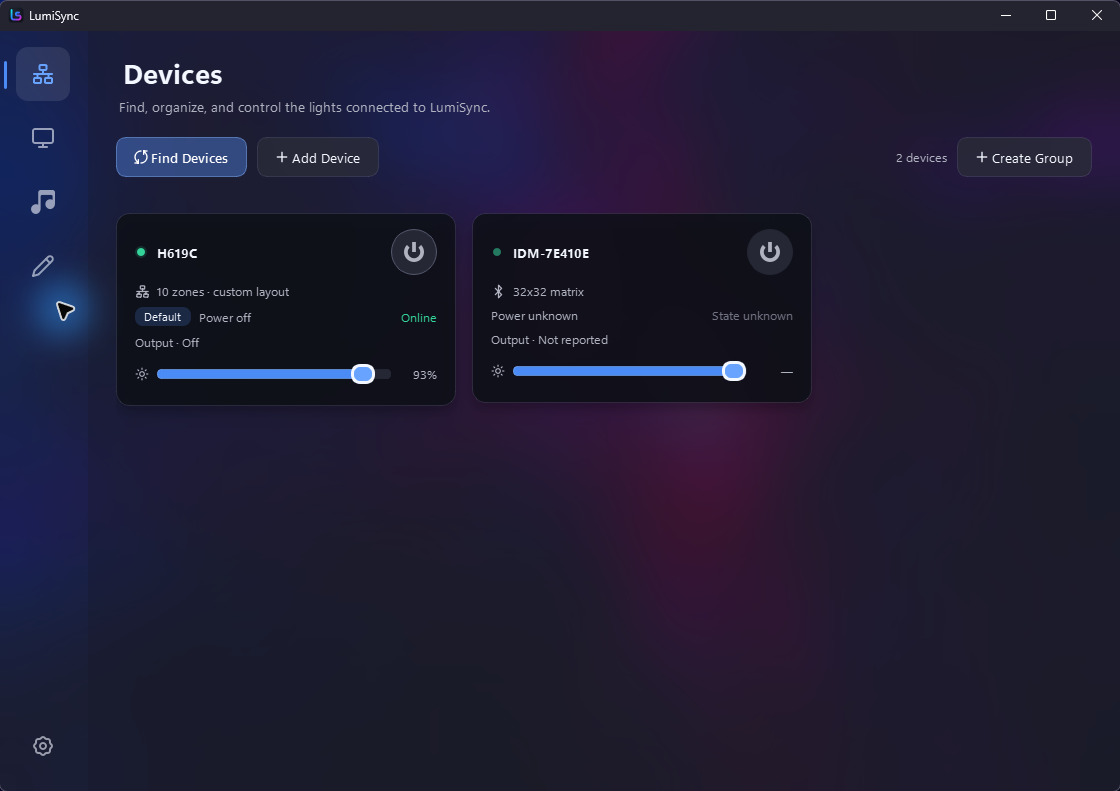
Discover, group, dim, recolour, and power supported lights from one focused desktop app.
Monitor sync
Choose a display, map its regions to your LEDs, then adjust brightness, smoothing, saturation, and frame rate until it feels right.
Music sync
Choose a reaction and a palette yourself, or let Auto Director follow the energy so the lighting stays alive without needing attention.
Supported devices
LumiSync connects directly over your local network or Bluetooth, so your lighting data stays at home.
Ready to try it?
Download LumiSync, connect a supported light, and start syncing in minutes.
Windows 10/11 is fully supported. Linux screen sync requires X11; macOS and Wayland capture are in progress.